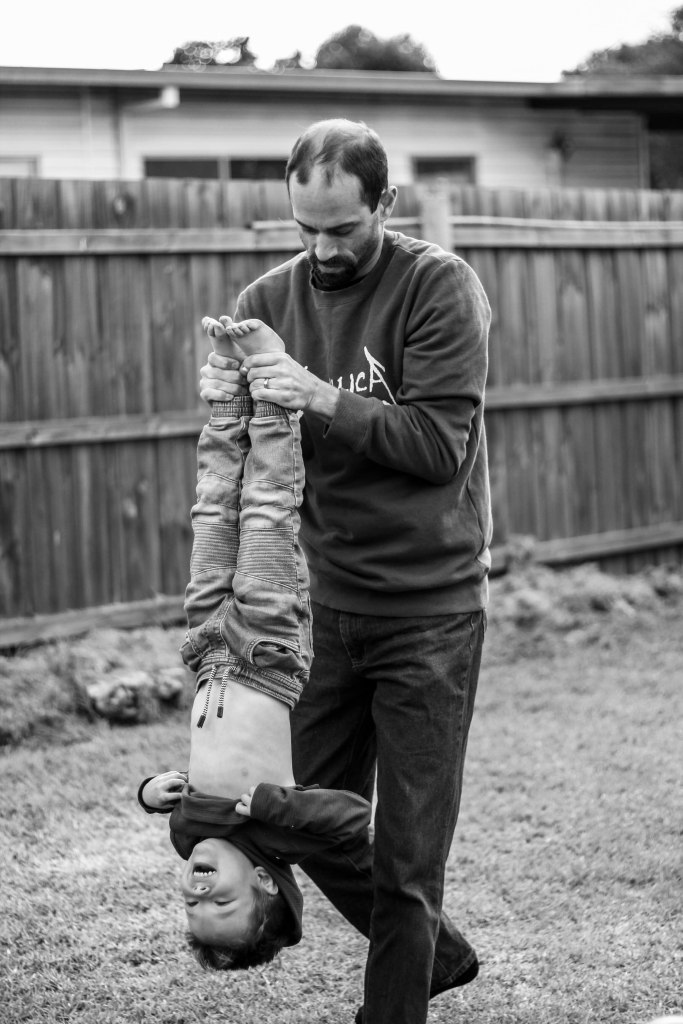
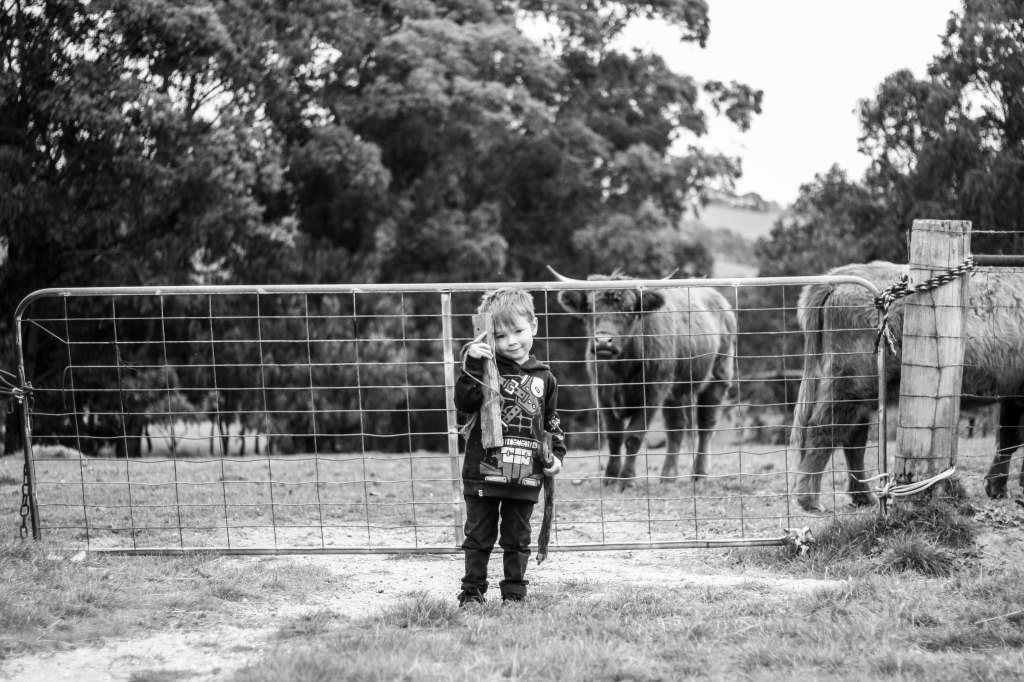
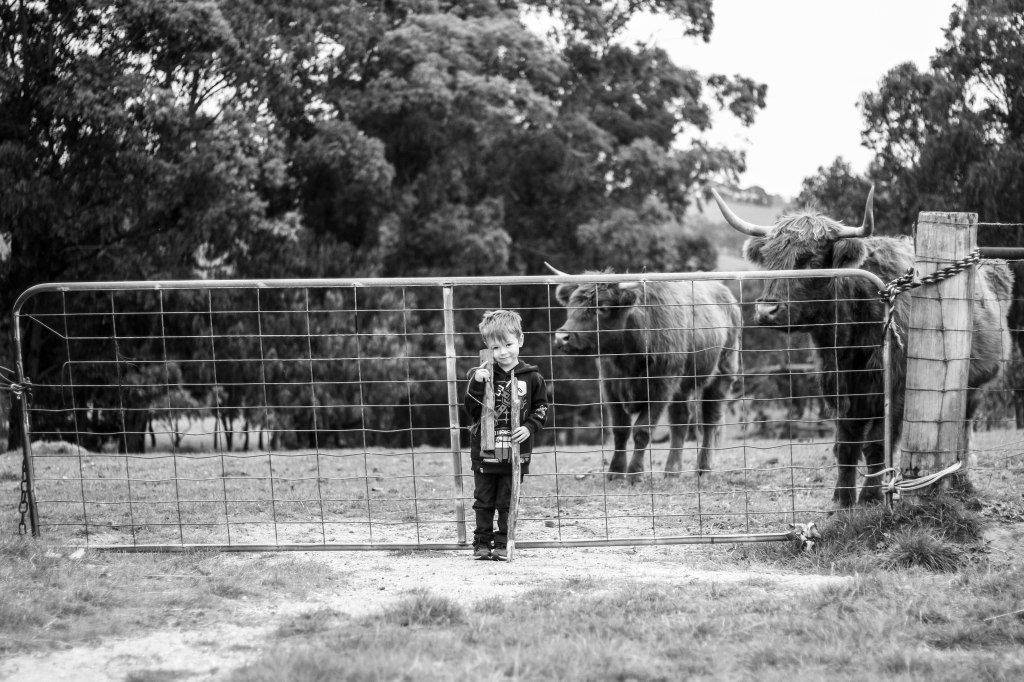
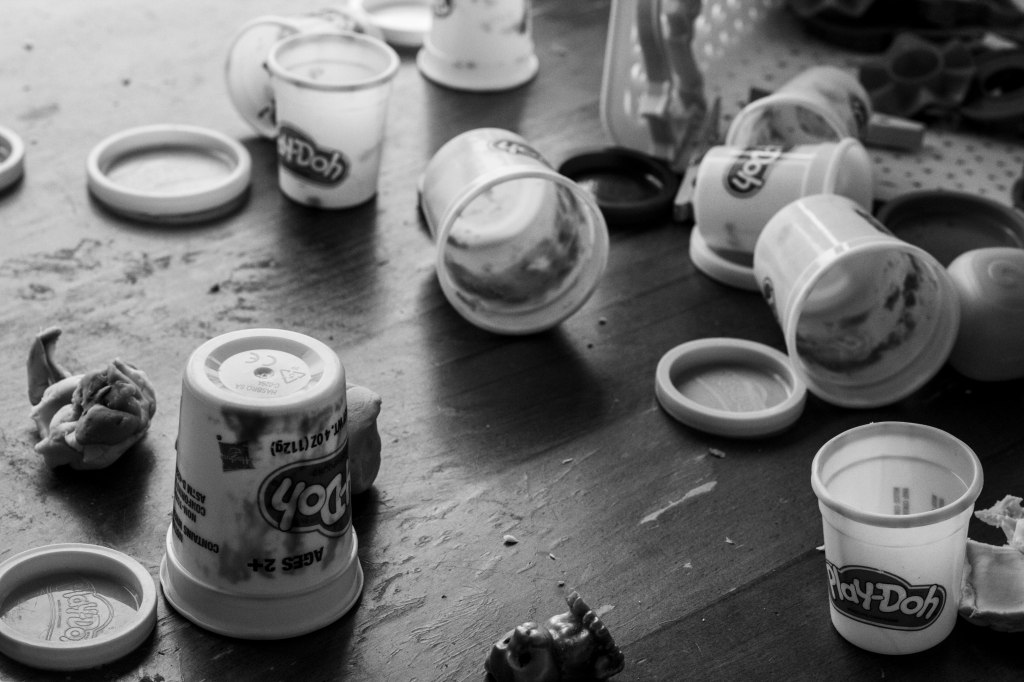
This week in Digital Imaging we had to develop a Preset in Lightroom, based on what we have learned about Lightroom over the last two weeks, and then apply it to multiple images. I chose to make a black and white preset.
I have learnt so much about Lightroom these past two weeks. I was a complete novice before. Now I know how to use the Basic panel to adjust things such as exposure, contrast, and change the tones for the whole image. I know how to use the Tone curve to adjust the image (although this is something I think I still need lots of practice with). And this week I learnt how to make beautiful black and white images and save Presets so I can apply the same settings to multiple images.
Here are my black and white images for this week.









 Danni's Photography Journey at Billy Blue
so timeless!
LikeLike
Thanks Jess! I love black and white 😍
LikeLike