This week we learnt a lot about editing in Lightroom. To test our skills we were given a set of images to retouch and/or remove distractions. I used a range of tools in Lightroom to reach the following results including the Histogram, Basic Panel, Tone Curve, Spot Removal Tool, Crop and the Graduated Filter. I changed colour, tone, warmed up or cooled down images, changed exposure, clarity, removed spots and blemishes, and cropped images.
I had a great time editing these images and am pretty proud since I was a novice at editing only a few weeks ago. Here are the before and afters.

Before 
After
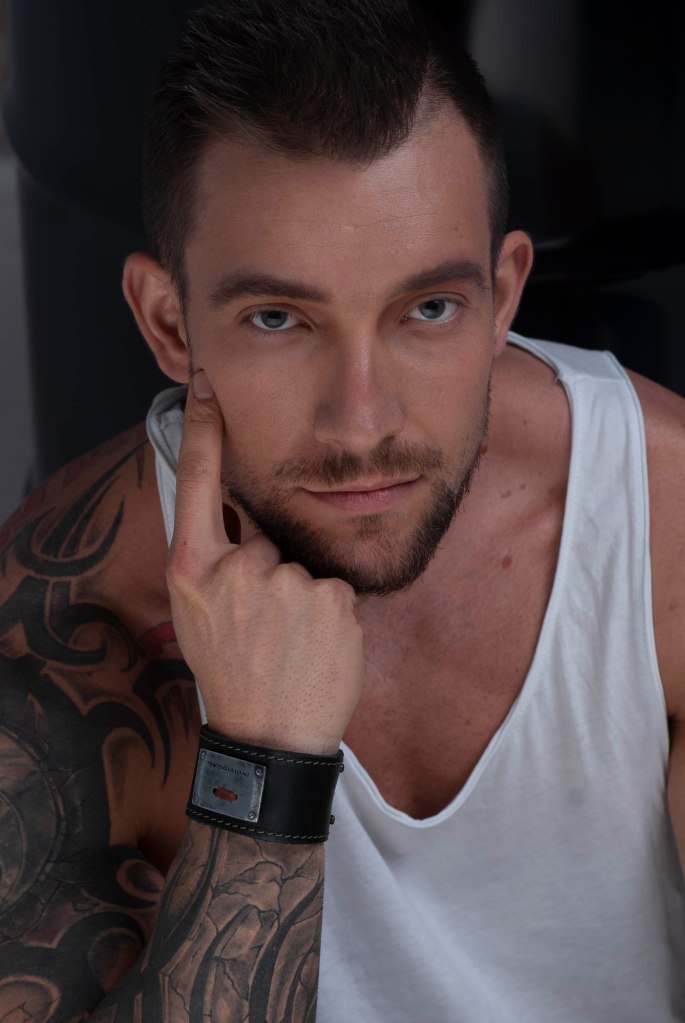
Before 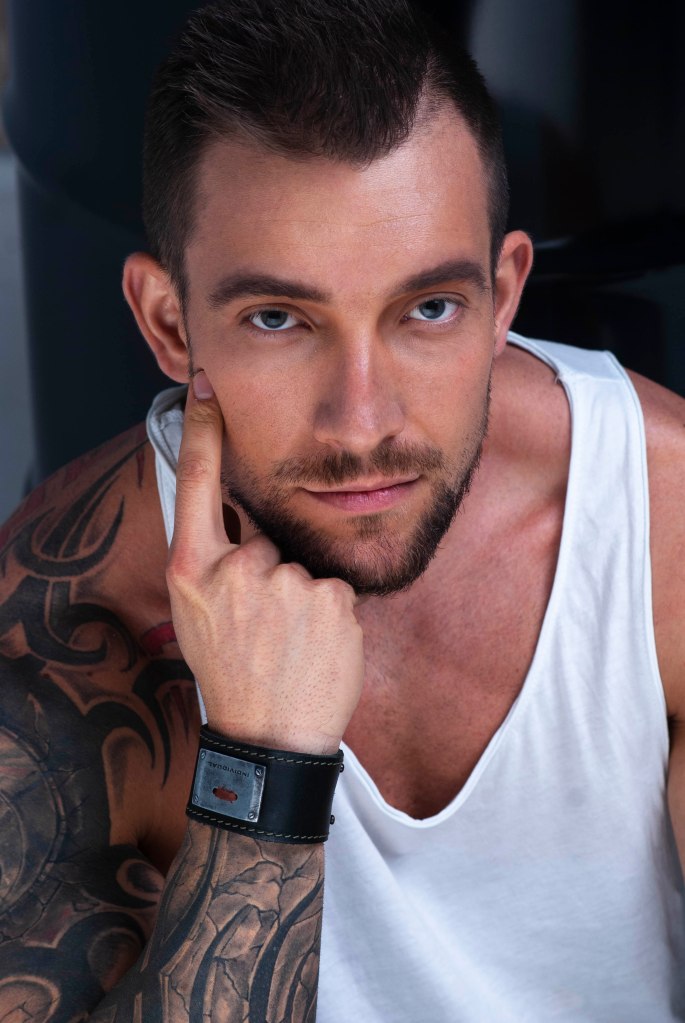
After
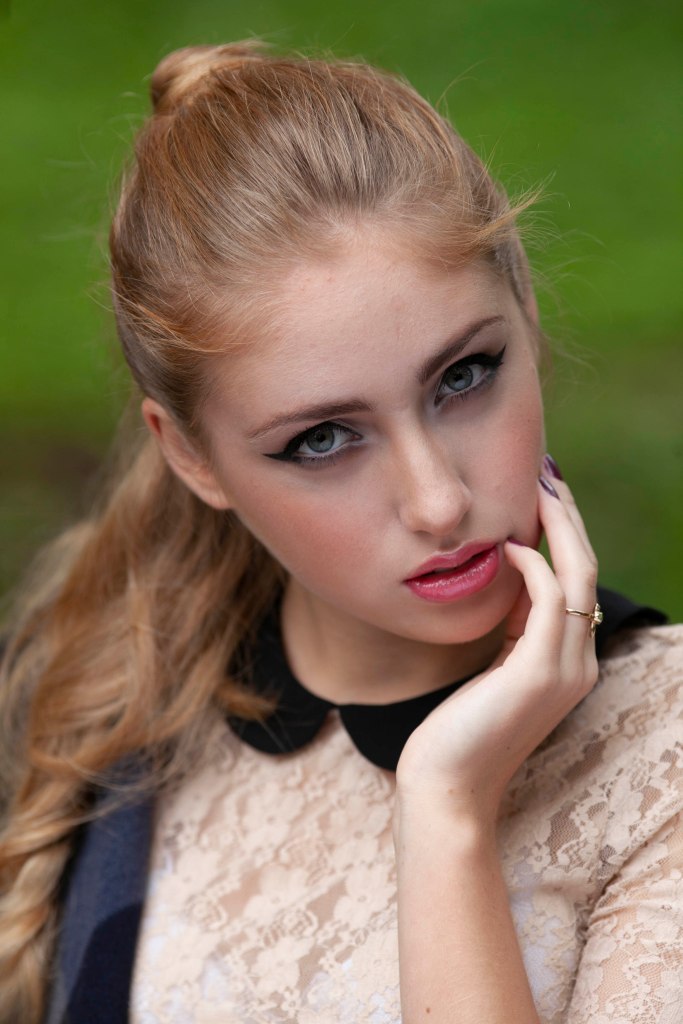
Before 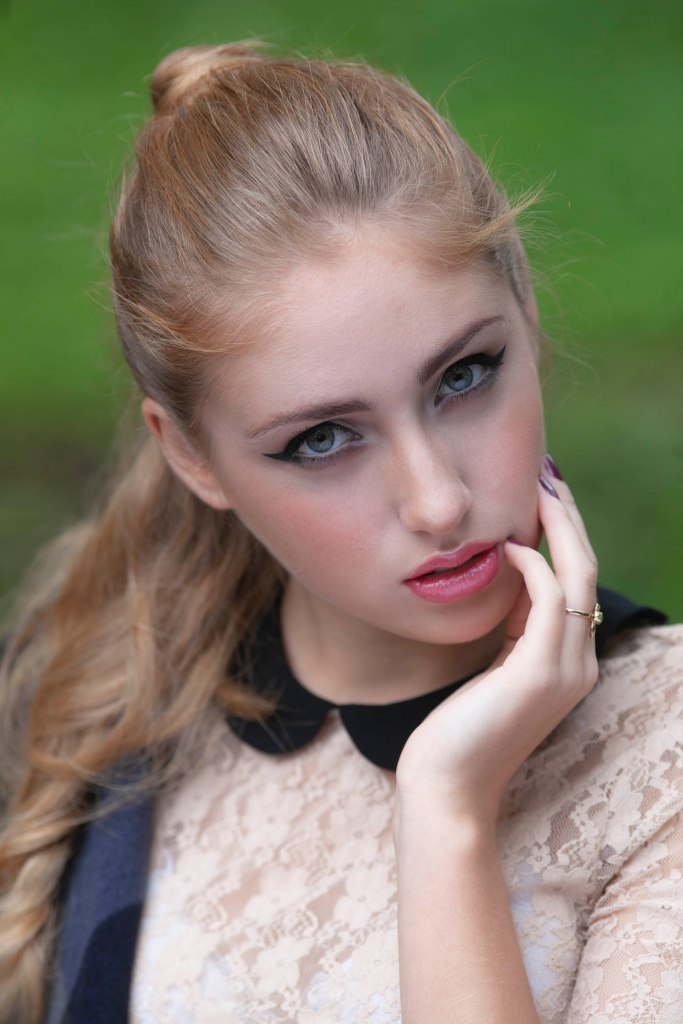
After
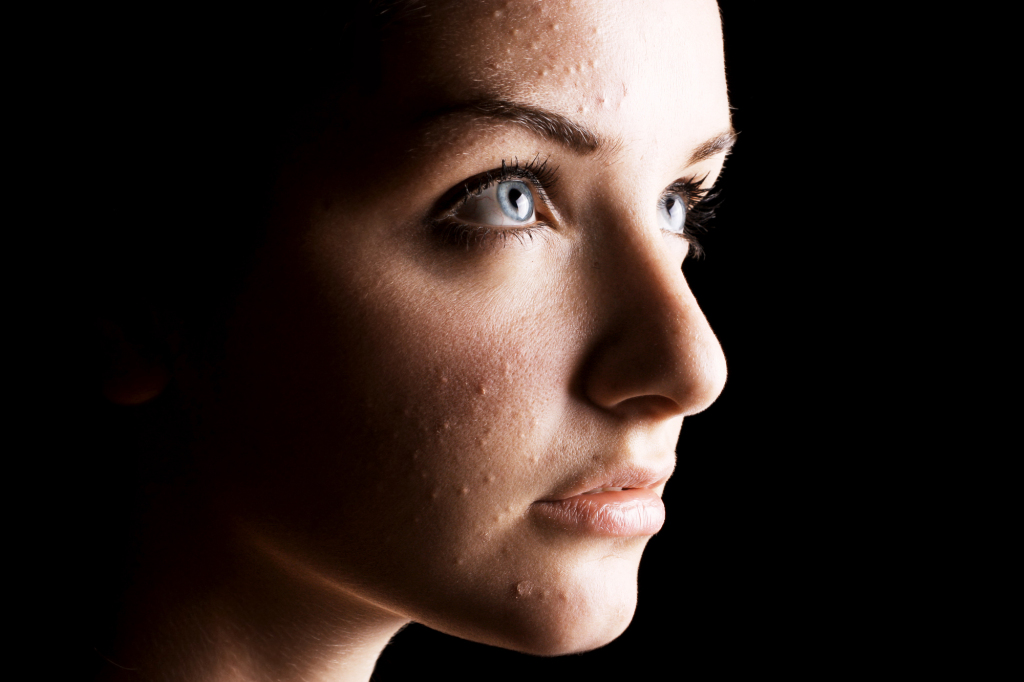
Before 
After

Before 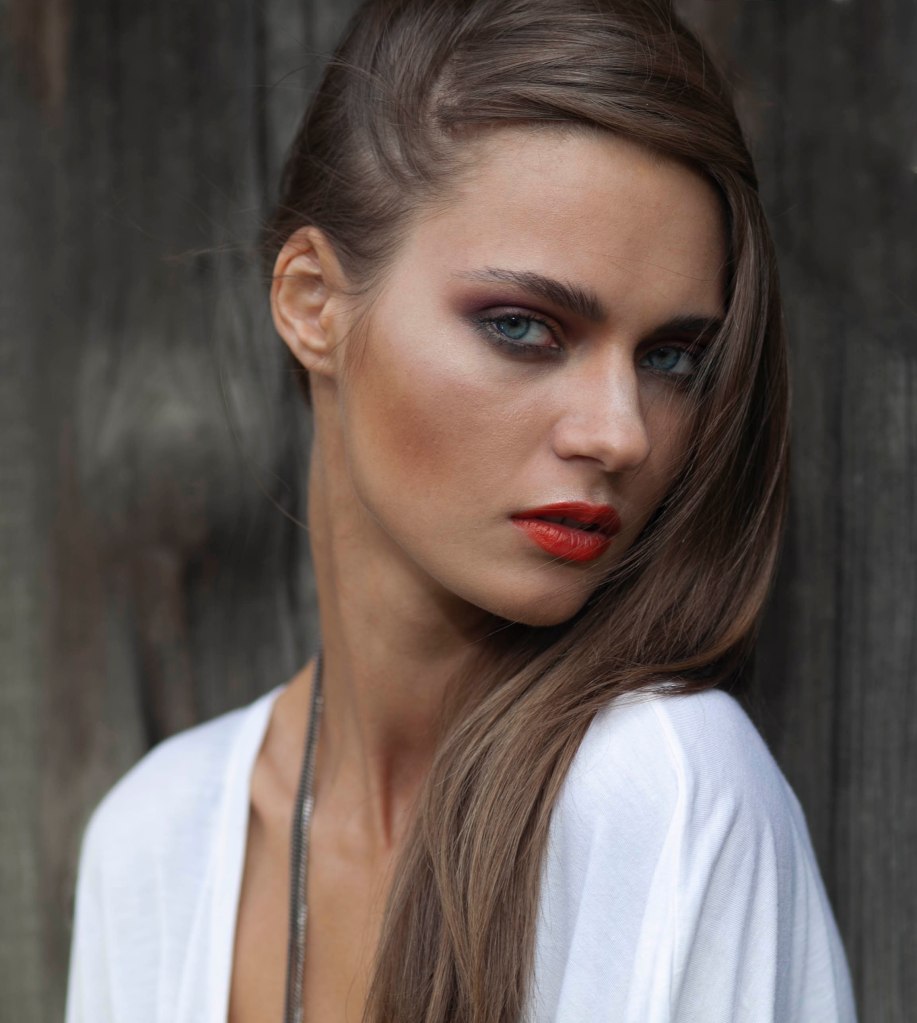
After
 Danni's Photography Journey at Billy Blue